
The quick answer
Accounting software for small businesses does three jobs:
- Track income, expenses and tax obligations cleanly.
- Produce the reports your accountant needs at year end.
- Play nicely with your bank, payroll and invoicing tools.
Every tool on this list does the first two. The difference is UX, pricing, and which ecosystem they belong to.
Our top pick is QuickBooks Online for most small businesses — the default your accountant already knows, with the deepest integration ecosystem. Xero is the better pick if UX and clarity matter to you more than industry standard.
The shortlist
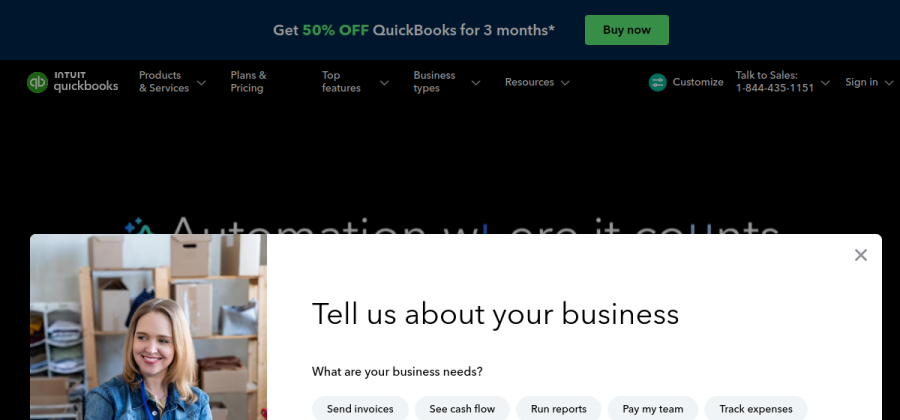
The industry standard in North America. Dominant accountant adoption, huge app marketplace, dense feature set.
Open QuickBooks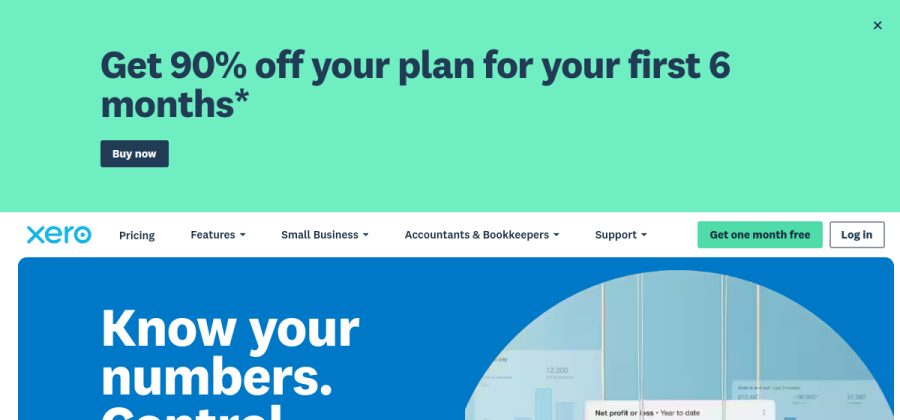

Clean, modern UX that non-accountants can actually operate. Strong outside the US, growing fast inside it.
Open Xero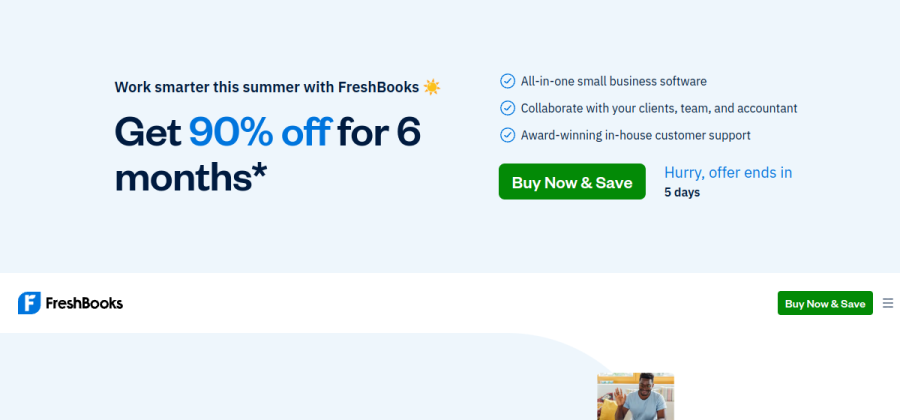
Invoicing-first with basic accounting bolted on. Great if your business is 80% billing hours to clients.
Open FreshBooks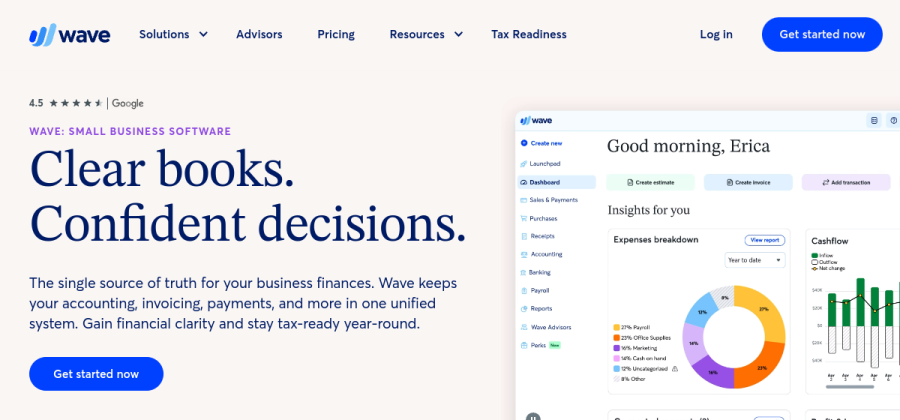
Genuinely free core accounting and invoicing. Pay only for payroll or transaction fees.
Open Wave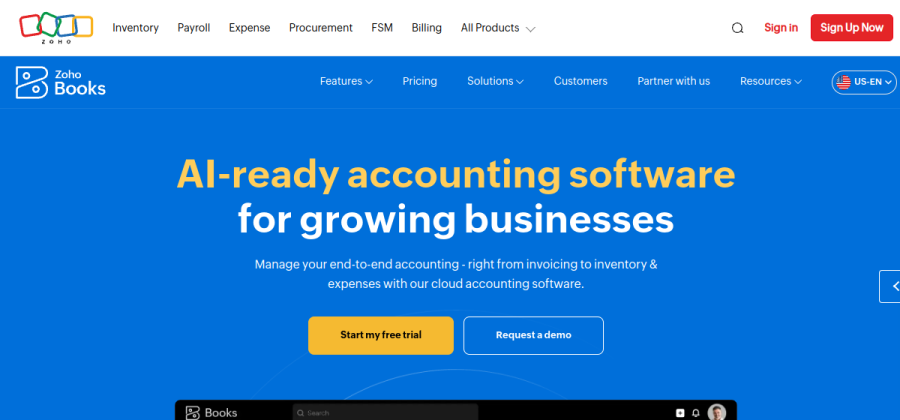

Strong fit if you already run Zoho CRM, Projects or Inventory. Fair pricing outside the US.
Open Zoho BooksPricing and plans shift frequently — always check the vendor's current page before subscribing.
How to pick, in under a minute
- 1Does your accountant have a preference?If yes, use their pick. You save hours of back-and-forth.
- 2US-based and scaling?Yes → QuickBooks Online. Default with the deepest integrations.
- 3Non-US or UX-sensitive?Xero. Cleaner, friendlier, works in most countries.
- 4Service business billing hours?FreshBooks if you invoice more than you bookkeep.
This flow chart sends about 60% of small US businesses to QuickBooks, 30% to Xero, and the rest to FreshBooks or Wave.
Why QuickBooks Online is the default
QuickBooks has won on distribution, integration ecosystem and accountant familiarity — not on UX. That is a fair trade for most small businesses because it means:
- Your accountant can open the file with no onboarding.
- Almost every bank, payroll and SaaS tool has a native QuickBooks integration.
- TurboTax and payroll handoff is frictionless at year end.
Why you might pick Xero instead
Xero won on UX. The product is cleaner, the bank reconciliation flow is genuinely pleasant, and mobile apps feel like 2026 instead of 2012.
For small teams where non-accountants need to do some bookkeeping (enter bills, reconcile cards, raise invoices), Xero is meaningfully better. Accountant support is strong outside the US and growing inside it.
Where FreshBooks really shines
FreshBooks is not a full accounting system — it is a best-in-class invoicing tool with enough accounting bolted on to file taxes. For pure service businesses (consultants, agencies, freelancers), that is exactly the right trade.
Pick FreshBooks if:
- Your business is mostly sending invoices and collecting card payments.
- You do not carry inventory.
- You want follow-ups and late fees automated.
- Your year-end is simple enough for an accountant to do in a morning.
See our best invoicing software for solo businesses deep-dive for how FreshBooks compares to other invoicing-first tools.
When Wave is the right answer
Wave is free forever on the core accounting product. The business model is transaction fees on card payments and a paid payroll add-on (US and Canada). For a solo operator or micro business with simple books, it is complete.
You outgrow Wave the moment any of these is true:
- You need to manage inventory.
- You have more than one employee on payroll.
- You file multi-state or international taxes.
- Your accountant refuses to work with Wave reports.
Free core accounting and invoicing. The honest zero-budget pick for solos who need real books but not a full suite.
Start with Wave freeWhen Zoho Books is the right answer
If you are already inside the Zoho ecosystem — Zoho CRM, Zoho Projects, Zoho Inventory — then Zoho Books is the natural choice. Cross-product integration is tight, pricing is fair, and the whole suite is cheaper than stitching five tools together.
Outside of that scenario, there is rarely a strong reason to pick Zoho Books over Xero or QuickBooks. The ecosystem is the feature.
Pricing reality
As of 2026, typical real cost for a small business:
On a multi-year horizon, the accountant time you save with a tool they prefer usually dwarfs the $20/month difference between tools. Pick for ecosystem fit, not raw price.
Common small-business mistakes
- Switching mid-year. Migrations always lose some nuance. Migrate at fiscal year-end or not at all.
- DIY from day one with no accountant. Pay an accountant for a one-hour setup call. Saves weeks of re-categorization later.
- Ignoring the app marketplace. QuickBooks’ and Xero’s app stores are where most time savings live. Connect your bank, your payment processor and your payroll on day one.
- Manual invoicing alongside accounting. Either use the accounting tool’s invoicing or integrate a dedicated invoicing tool. Two parallel systems is where reconciliation nightmares start.
FAQ
What is the best accounting software for a small business in 2026?
QuickBooks Online for most US businesses — it is the default your accountant knows. Xero is the better pick for UX and non-US markets.
Is there a truly free accounting tool?
Wave’s core accounting and invoicing are free forever. You pay only transaction fees on card payments and a separate subscription if you add payroll.
Should I pay my accountant for setup?
Yes — one hour of their time on chart of accounts and tax categories saves many hours of cleanup later. This is the single highest-ROI spend in year one.
Can I use accounting software without an accountant?
Technically yes, practically no. Even Xero’s friendly UX benefits from an accountant reviewing your books quarterly or annually. Budget for it.
The shortlist at a glance
| Tool | Best for | Verdict |
|---|---|---|
| QuickBooks Online | Small businesses that want the industry-standard accountants already know. | Top pick |
| Xero | Small teams who value modern UX and fewer surprises. | Alternate pick |
| FreshBooks | Service businesses that bill hours and want invoicing first. | Alternate pick |
| Wave | Solos and micro businesses on zero budget. | Alternate pick |
| Zoho Books | Teams already living in the Zoho ecosystem. | Alternate pick |