
The quick answer
Small businesses usually need three things from e-signature software:
- Guests can sign without creating an account. Anything else kills deal velocity.
- Audit trail you can defend. Plain PDF exports are not enough if a client disputes terms later.
- A price that matches volume. Paying enterprise rates for five signatures a month is how burn creeps in quietly.
Our top pick is DocuSign — it is the benchmark everyone else compares to, with integrations and compliance coverage most small teams never outgrow. If you sign a handful of contracts a month and want the simplest stack, Dropbox Sign is the lighter-weight alternative.
The shortlist
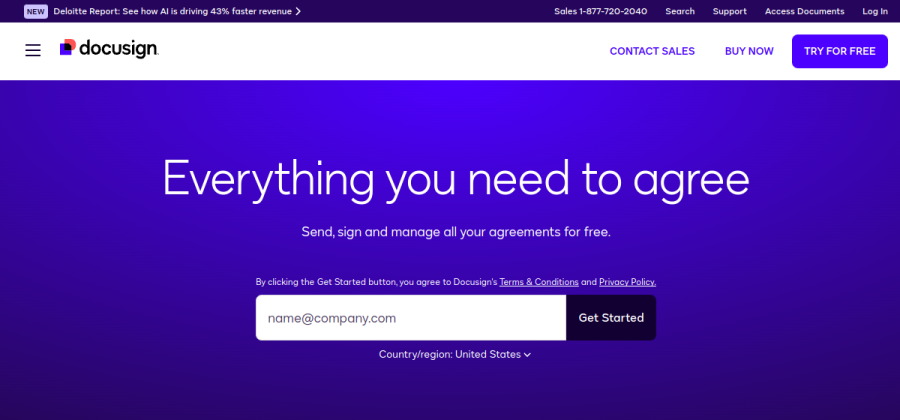
The category-defining e-signature platform. Mature integrations, mobile signing and audit trails suitable for regulated industries.
Open DocuSign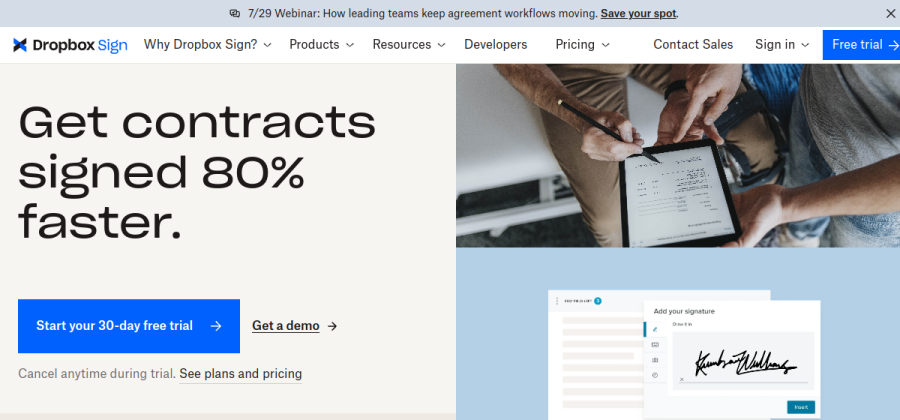
Formerly HelloSign. A fast, minimal signing experience with API access when you outgrow the web UI.
Open Dropbox Sign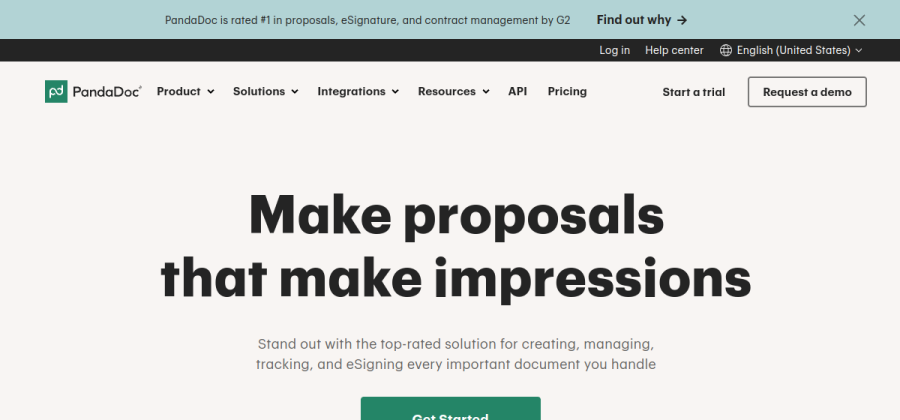
Documents, not just signatures — proposals, quotes and templates with e-sign baked in.
Open PandaDoc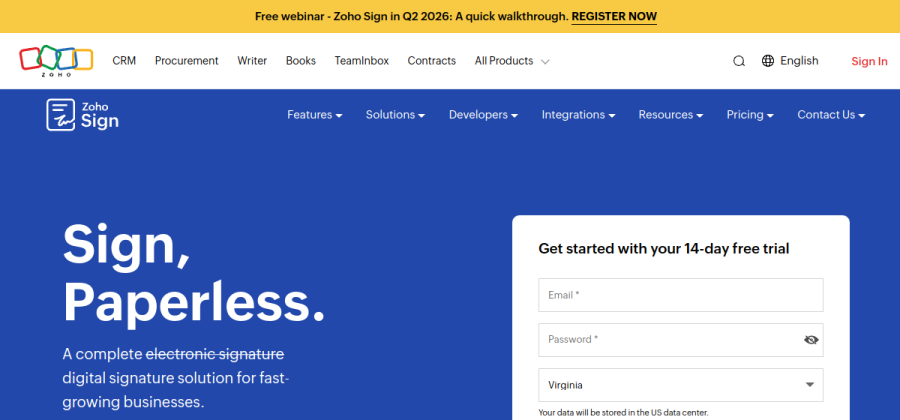
Part of the Zoho suite. Strong fit when CRM, Books and Sign should share one account fabric.
Open Zoho Sign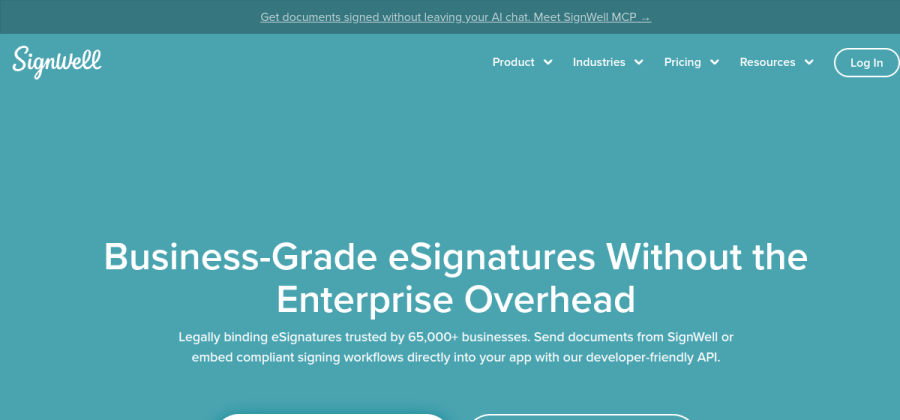
SMB-focused e-sign with templates, reminders and straightforward per-user pricing.
Open SignWellPlans and limits change — confirm current pricing and regional compliance on each vendor site before you commit.
How to pick in under a minute
- 1Need proposals + CPQ?Yes → PandaDoc. No → keep going.
- 2Already all-in on Zoho?Yes → Zoho Sign. No → keep going.
- 3Under ~20 envelopes/month and hate friction?Yes → Dropbox Sign or SignWell.
- 4Need maximum ecosystem + future scale?Yes → DocuSign.
When a simple signer is not enough
Some teams discover they need more than signatures mid-engagement:
- CPQ and pricing tables — if sales edits SKUs in Word before every send, you are ready for a doc workflow tool.
- Bulk or API sending — onboarding fifty contractors a quarter pushes you toward API-first vendors.
- Heavy compliance — healthcare, finance and government buyers may mandate specific standards. Ask them early; do not assume every tier covers every region.
Common mistakes
- Choosing on logo alone. Pilot the recipient experience on mobile. Half your clients will sign on a phone.
- Skipping templates. Contract and NDA templates with locked fields save more time than any AI feature list.
- Paying for seats nobody uses. Billing models differ — count active senders, not total employees.
FAQ
Are e-signatures legally binding?
In most jurisdictions, yes, for typical business contracts — with the usual caveat that specific industries or document types have extra rules. Your vendor’s help docs summarize regions; when in doubt, ask counsel for your niche.
Do I still need PDF originals?
Keep executed PDFs in your document store with the audit file your vendor provides. That pair is what you search for two years later, not the web link alone.
Should I use the e-sign built into my invoicing or CRM tool?
If volume is low and the flow is smooth, absolutely. When signing becomes a bottleneck or you need stronger audit history, graduate to a dedicated product from the shortlist above.
The shortlist at a glance
| Tool | Best for | Verdict |
|---|---|---|
| DocuSign | Small teams that want the default, battle-tested e-signature platform. | Top pick |
| Dropbox Sign | Low-volume signing with a clean flow and a generous free tier. | Alternate pick |
| PandaDoc | Proposals, quotes and contracts in one place — not signing alone. | Alternate pick |
| Zoho Sign | Small teams already on Zoho who want pricing that scales gently. | Alternate pick |
| SignWell | Straightforward SMB signing with simple pricing and fast setups. | Alternate pick |