
The point of a quarterly audit
SaaS spend rarely explodes in a single bad month. It creeps. A trial here, an annual upgrade there, a tool a teammate added for “just one project” two quarters ago — and suddenly the monthly statement looks unfamiliar.
A quarterly audit is the cheapest control you have. Done well, it takes 90 minutes and usually clears a few hundred dollars a month off the bill, plus a few headaches that were going to surface anyway.
The 90-minute flow
- 1Pull statementsBank, credit card and any payment processor charges for the last 90 days.
- 2Tag every chargeCategory, owner, active usage and renewal type.
- 3ScoreCost, usage and switching cost on a 1–3 scale.
- 4DecideCancel, keep, renegotiate or replace — one row at a time.
- 5Execute and scheduleCancel today, log renewal dates, book the next audit.
Step 1: Pull a clean charge list
Open three sources for the last 90 days:
- Business bank statement.
- Business credit card statement.
- Any payment processor or pay-per-use vendor (cloud, AI APIs, ad platforms).
Paste them into one sheet. You only need three columns to start: date, vendor, amount. Currency conversions and tax can stay messy at this stage.
If you operate across multiple cards or personal cards used for business, do this twice. Hidden charges almost always live on the card someone “only used once for a trial.”
Step 2: Tag every charge
For each row, add four tags. This is where the audit earns its keep.
Two patterns will jump out immediately:
- Multiple tools in the same category. Three project tools, two AI assistants, two scheduling apps.
- Charges with no owner. Usually trials that converted, or tools a former teammate signed up for.
Both are easy wins on the decision pass.
Step 3: Score on three axes
Skip elaborate scoring matrices. Three columns on a 1–3 scale are enough.
- Cost. 1 = small, 2 = noticeable, 3 = expensive relative to the budget.
- Usage. 1 = dormant, 2 = occasional, 3 = real and recurring.
- Switching cost. 1 = trivial, 2 = annoying, 3 = painful (data, integrations, training).
That gives you a quick heat map without inventing weighted formulas.
| Score pattern | Likely decision |
|---|---|
| Dormant + any cost + low switching | Cancel today. |
| Real usage + high cost + low switching | Renegotiate or replace. |
| Real usage + high cost + painful switching | Renegotiate at renewal. |
| Occasional + low cost + any switching | Keep, set usage reminder. |
| Duplicate category | Pick one, sunset the other. |
Step 4: Decide — one row at a time
Add a Decision column with exactly four options: cancel, keep, renegotiate, replace. Force a choice.
- Cancel. Dormant tools, duplicates and “we’ll get back to it” trials. Do it before you move to the next row.
- Keep. Real usage, fair price, no obvious alternative. Move on.
- Renegotiate. Expensive tools you still use. Add a sub-task with the renewal date and a target ask.
- Replace. You use it, but a better-fit or cheaper option exists. Add to the next software decision checklist cycle.
Step 5: Execute, log renewals, book the next audit
Three closing actions, in this order.
- Cancel the cancellations. Confirm the next charge will not hit. Save the confirmation email in the password manager note for that vendor.
- Log renewal dates. Every annual contract goes on a shared calendar with a 60-day reminder. That is when renegotiation works, not the day before renewal.
- Book the next audit. Calendar invite for 90 days from now, 90 minutes, named owner.
The renewal calendar is what turns the next audit into a 30-minute job instead of 90.
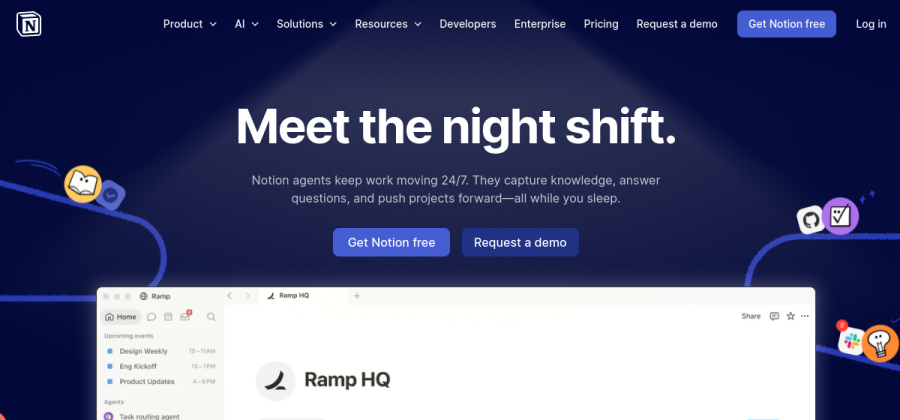
A single audit page per quarter with tables, decisions and renewal links beats a forgotten spreadsheet.
Open Notion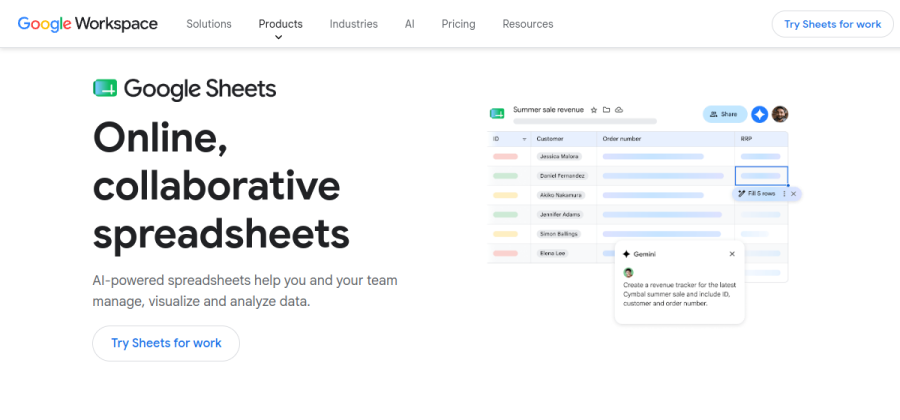
A flat spreadsheet with category, owner, score and decision is enough for most small teams to run this in 90 minutes.
Open Sheets
Free accounting that exports clean charge lists by vendor — useful when you do not have a finance tool yet.
Open WaveMost teams already have what they need. The audit is a habit, not a tool purchase.
Common mistakes
- Auditing only the obvious tools. The waste usually lives in the small charges, not the big ones.
- Letting one person own every tool. If the owner column is the same name on every row, you have a bus-factor problem, not a software problem.
- Renegotiating the day of renewal. Vendors discount more freely when there is still time to compare alternatives.
- No follow-up. A canceled subscription that re-bills next quarter means it was never actually canceled.
Next steps
- Run the SaaS due-diligence checklist before signing any annual renewal.
- Plug your new monthly number into the small-team SaaS budget calculator.
- For new purchases, pair this with how to pick software for a small team.