
How we picked
This is not a feature-count ranking. For every small team we have helped, the winning tool is the one that gets used daily without resistance.
We looked at four things:
- Speed. How fast you can create, assign and find a task.
- Fit for small teams. No enterprise admin hell, no 45-minute onboarding.
- Price sanity. Free tier, clean per-seat pricing, reasonable annual cost.
- Exit. Clean data export.
The shortlist


Keyboard-first and ruthlessly fast. Opinionated about how work flows.
Open linear.app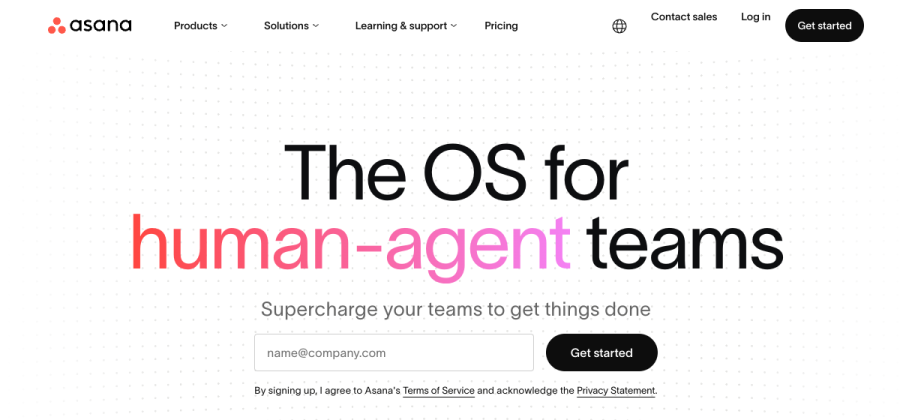

Clean task model with strong reporting and reliable mobile apps.
Open asana.com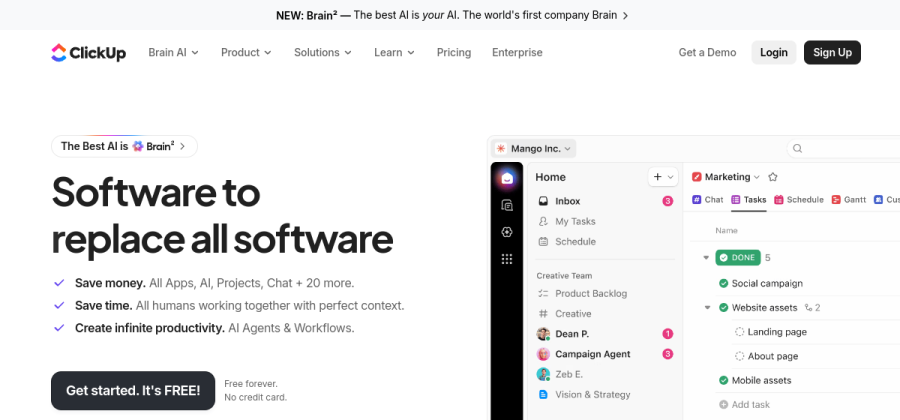

Flexible all-in-one with wikis, dashboards, forms and native automations.
Open clickup.com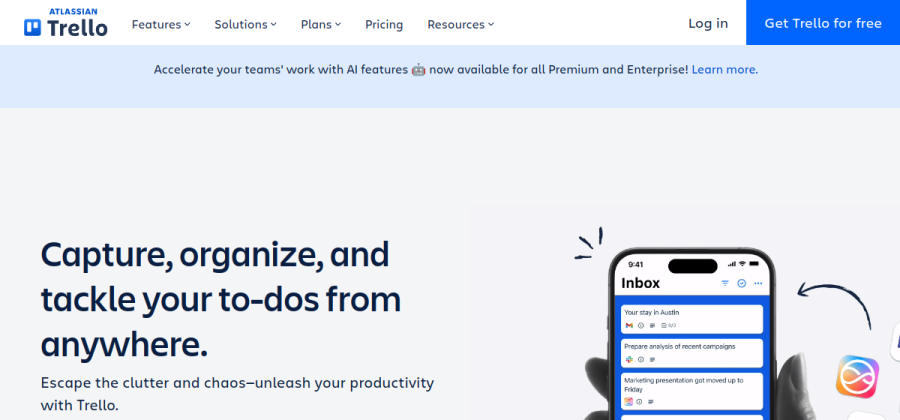

The simplest Kanban board in the category. Free tier covers most small setups.
Open trello.com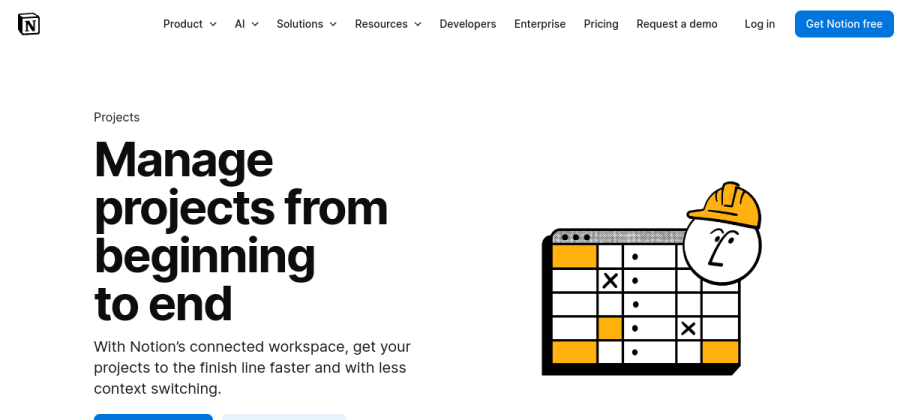

Tasks, docs and specs in one workspace. Natural fit if Notion is already your hub.
Open notion.soAll five are well-established. Try two on one real project before committing.
Our top pick: Linear
Linear wins for small, product-minded teams because it is ruthlessly fast. Keyboard-first, opinionated about how work flows, and it does not drown you in options.
- Best for: engineering, product and design teams. Startups that want a serious tool without setup pain.
- Skip it if: you need Gantt charts, client-facing boards or heavy non-technical workflows.
Asana
Asana is the safest pick for non-engineering teams. Clean task model, great list and timeline views, reliable mobile apps.
- Best for: marketing, operations, agencies and client-services teams.
- Skip it if: you want a Notion-style everything tool or Kanban-first workflow.
ClickUp
ClickUp tries to be everything — and actually does a lot of it well. If your team wants multiple views, wikis, forms and automations in one app, it shines.
- Best for: teams that want flexibility and a single tool for several categories.
- Skip it if: you want opinionated speed. ClickUp is powerful but not minimalist.
Trello
Trello is the right answer for very small teams or side projects. Drop-dead simple Kanban, free for most use cases, zero learning curve.
- Best for: solo consultants, duos, lightweight projects.
- Skip it if: you need reporting, timelines or more than a few boards.
Notion Projects
If your team already lives in Notion , Notion Projects is strong because it keeps docs, specs and tasks in one place. Task views are not as fast as dedicated PM tools, but the continuity wins.
- Best for: teams whose knowledge base is already Notion.
- Skip it if: Notion feels slow or your work is very task-heavy and deadline-driven.
How to choose between them
A simple decision tree:
- Engineering or product? Try Linear.
- Marketing or client services? Try Asana.
- Want one tool for everything? Try ClickUp.
- Tiny team or side project? Start with Trello.
- Already in Notion? Try Notion Projects before paying for a second tool.
Before you commit
- Read what a project management tool actually is if you are new to the category.
- Run your candidates through the software decision checklist.
- Check our dedicated Notion vs ClickUp comparison if those two are on your shortlist.
The shortlist at a glance
| Tool | Best for | Verdict |
|---|---|---|
| Linear | Software and product teams that want speed above everything. | Top pick |
| Asana | Non-engineering teams that need clean task management and good reporting. | Alternate pick |
| ClickUp | Teams that want many views and customization in one tool. | Alternate pick |
| Trello | Tiny teams or side projects that just need a simple Kanban board. | Alternate pick |
| Notion Projects | Teams already living in Notion that want docs and tasks in one place. | Alternate pick |