
A project management tool is software that keeps tasks, owners, deadlines and status in one place so a team can see what is happening without asking.
The short version
A project management tool (often called a PM tool or task tracker) is shared software that captures the work: tasks, who owns them, when they are due and what state they are in.
If you have used Trello , Asana , ClickUp , Linear or Notion for tracking work — that is the category.
What a PM tool gives a small team
- A single source of truth for what is being done.
- Clear ownership so nothing floats unassigned.
- Due dates and deadlines in one place.
- Status visibility — what is blocked, in progress, done.
- Context per task — checklists, attachments, comments, links.
The four views you will actually use
Spreadsheet-style rows. Great for people who think in rows.
Kanban columns. Ideal for flow work and WIP limits.
Tasks on dates. Great for deadline-heavy teams.
Dependencies and durations. Useful for longer projects.
Five PM tools that small teams actually run

Keyboard-first and ruthlessly fast. The default for modern product teams.
Visit site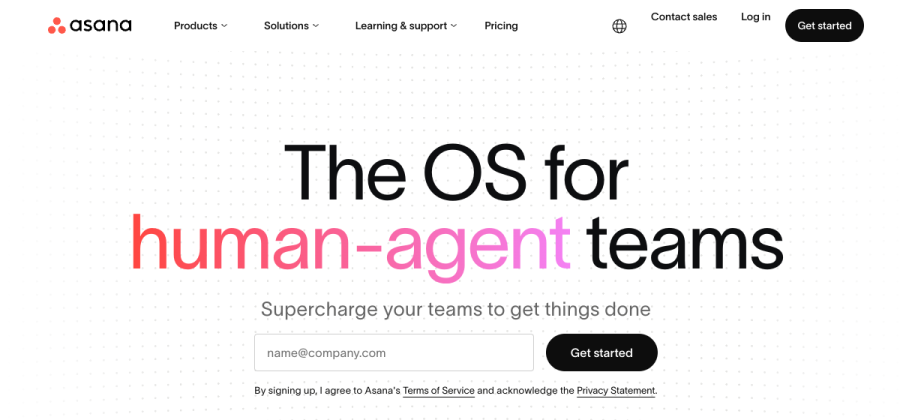

Clean task model with strong reporting. The safest pick for non-engineering teams.
Visit site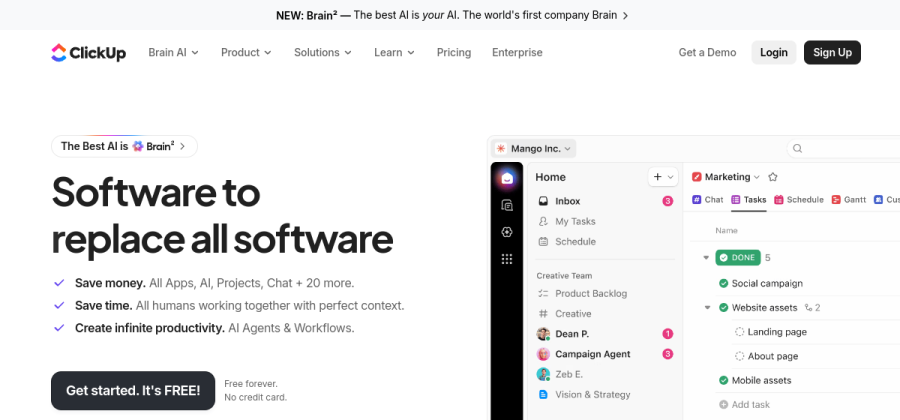

Very flexible all-in-one. Tasks, docs, dashboards and automations in one workspace.
Visit site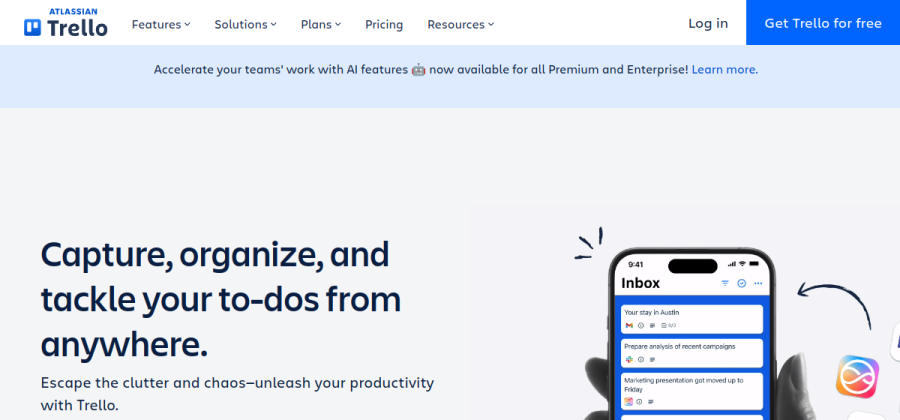

Simple Kanban boards with zero learning curve. Free for most small setups.
Visit site

Docs, specs and tasks in one workspace. Great if Notion is already your team hub.
Visit sitePricing and positioning change — always check the vendor site for current plans.
When it becomes essential
A small team usually needs a real PM tool once:
- More than one person works on the same deliverables.
- Work spans multiple projects or clients.
- You stop knowing what is happening without asking.
- Recurring work keeps slipping through the cracks.
Below that threshold, a shared document is often enough.