
SaaS (software as a service) is cloud-hosted software you access through a browser and pay for with a recurring subscription, usually per user per month.
The short version
SaaS stands for software as a service. You log into it through a browser — sometimes a desktop or mobile app — and pay a recurring subscription instead of a one-time license.
The vendor hosts and maintains it. You just use it.
SaaS vs traditional software, visually
- One-time license purchase
- Installed on a specific machine
- You host, patch and back it up
- Data lives on your device or server
- Monthly or yearly subscription
- Access from any browser or app
- Vendor handles hosting and updates
- Data lives in the vendor’s cloud
Why small teams use SaaS
Three practical wins explain most of the adoption:
- No setup overhead. Sign up, invite the team, ship work the same day.
- Predictable cost. Per-seat pricing scales with team size.
- Always current. No waiting on IT to approve a patch.
The trade-offs are real. You do not own the software, cost accumulates, and your data lives with the vendor. That matters when choosing tools for anything central to the business.
Common SaaS categories small teams pick first
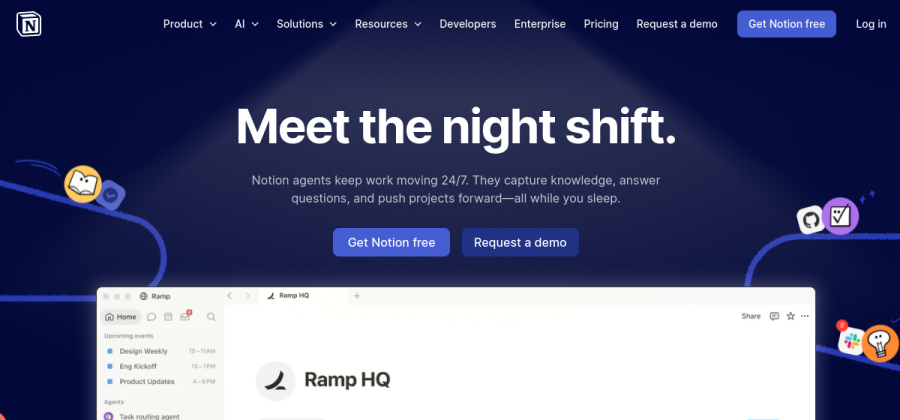

Docs, wikis and lightweight tasks in one workspace. Popular with startups and solo founders.
Visit site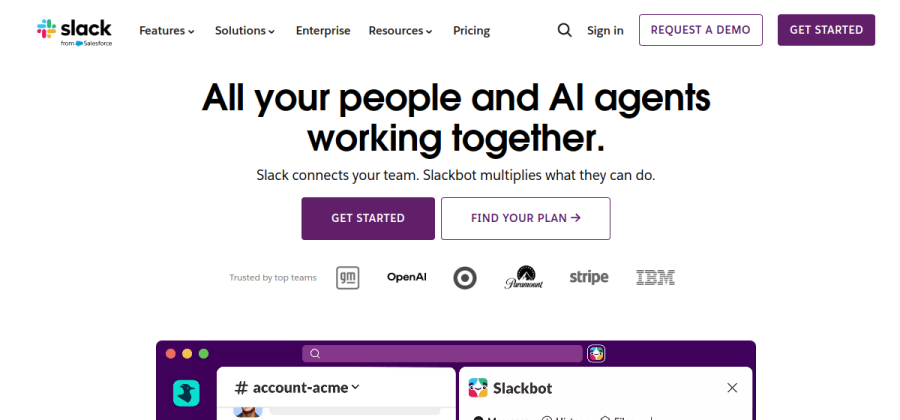

Team chat with channels, threads and integrations. The default for async team communication.
Visit site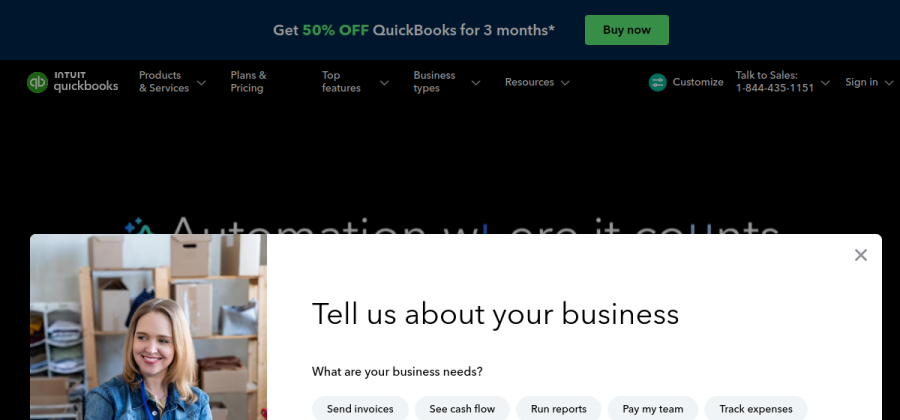

Bookkeeping and invoicing for freelancers and small businesses. Accountant-friendly.
Visit site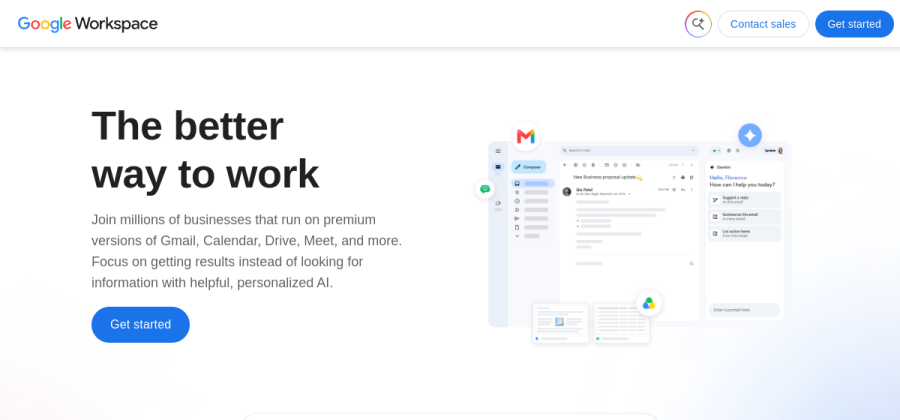

Email, docs, calendar and storage bundled together. The most common starting point.
Visit site

Collaborative design tool used by product, design and marketing teams of all sizes.
Visit site

CRM with a generous free tier plus marketing, email and sales tools as you grow.
Visit siteA sampler of mainstream SaaS tools small teams adopt early. Always check current pricing on the vendor's site.