
RAG is a pattern where an AI first retrieves relevant text from your own documents, then uses it to generate an answer — reducing hallucinations and letting an LLM work with private, current data.
The short version
A plain LLM answers from memory, and its memory stops at its training cutoff and never included your private files. RAG — retrieval-augmented generation — fixes that.
The idea is simple: before the model answers, you go find the most relevant chunks of your own documents, paste them into the prompt, and tell the model “answer using this.” The model still writes the answer, but now it is grounded in your material instead of guessing.
I explain it to teams as the difference between a closed-book exam and an open-book one. Same student, far fewer confident mistakes, because the facts are right there on the page.
How RAG works
- 1QuestionThe user asks something, e.g. 'what's our refund window?'
- 2RetrieveSearch your documents for the most relevant chunks.
- 3AugmentInsert those chunks into the prompt as context.
- 4GenerateThe LLM writes the answer using that context.
- 5CiteGood setups link back to the source text.
The retrieval step usually uses embeddings: your documents get turned into vectors (lists of numbers that capture meaning), stored in a vector database, and the question is matched against them by similarity — not just keyword overlap.
Why a small team would care
You do not need to build a research lab to benefit. The practical uses are close to home:
- A support bot that answers from your actual help docs, not the open internet.
- Internal “ask the handbook” — policies, runbooks, onboarding.
- Search across your own knowledge base in plain language.
- Grounding a coding assistant in your codebase so it references your real functions.
The payoff is fewer hallucinations and answers that reflect your current reality, not a model’s frozen memory.
RAG vs fine-tuning
People confuse these constantly. They solve different problems.
- Adds facts and documents
- Update by changing the docs
- Cheaper, faster to ship
- Teaches style, format, tone
- Update by retraining
- More effort and cost
Rule of thumb from experience: if the problem is “the model doesn’t know our stuff,” that is RAG. If it is “the model won’t answer in our format or voice,” that is closer to fine-tuning. Many teams need only the first.
Tools that make RAG easier
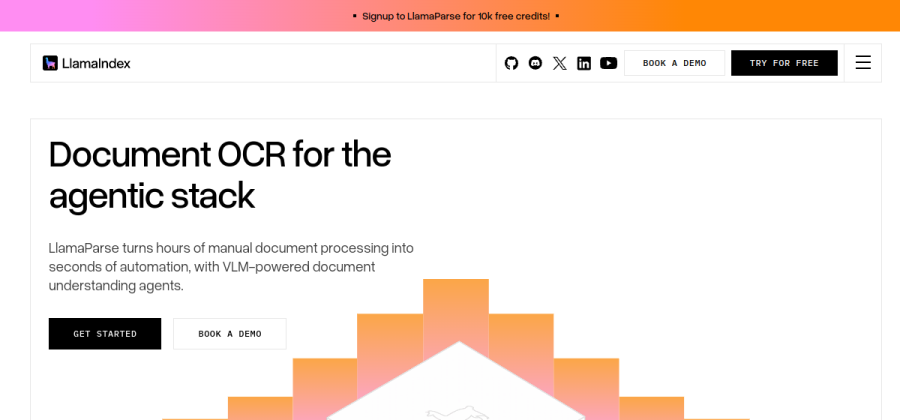
A popular framework for connecting your documents to an LLM — indexing, retrieval and query pipelines for RAG apps.
Open LlamaIndex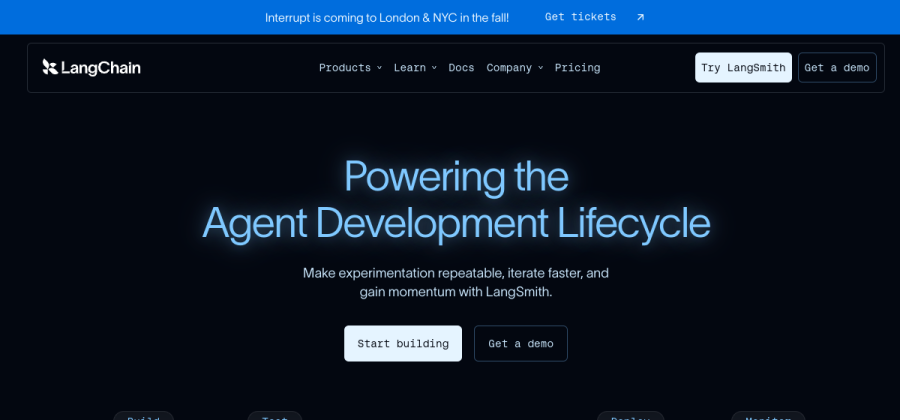
A widely used toolkit for chaining retrieval, prompts and models together into RAG and agent workflows.
Open LangChain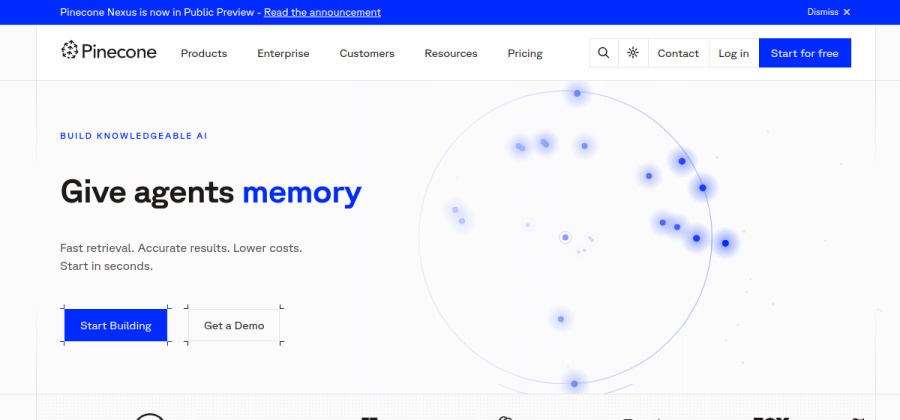
A managed vector database for storing embeddings and doing fast similarity search — the retrieval half of RAG.
Open PineconeYou can wire RAG yourself or use a platform. Verify current pricing and data-handling terms before sending private documents to any of them.
FAQ
Does RAG stop hallucinations completely?
No, but it reduces them a lot when retrieval works well. The model can still misread or over-extend the provided text, so citations and human review still matter for anything important.
Do I need a vector database for RAG?
For small document sets you can get away with simpler search. Once you have thousands of chunks and want meaning-based matching, a vector database (or a database with vector support, like Postgres with pgvector) becomes worth it.
Is RAG expensive to run?
It adds a retrieval step and makes prompts longer, which costs a bit more per call than a bare LLM query. For most small-team use cases the cost is minor compared with the accuracy you gain.
RAG or just a bigger context window?
Pasting everything into a huge context window works for small, static material. RAG scales better when your knowledge is large, changes often, or needs to be searched — you only send the relevant slice each time.