
Why this needs a plan
I have introduced new tools and practices to engineering teams for years, and AI assistants are the first ones that can make a team feel faster while quietly making the codebase worse. The velocity is real. So is the risk.
The failure mode is not dramatic. It is a slow accumulation of code that works, that nobody fully understands, that no human really reviewed. Six months later you are debugging a system your team did not actually design.
This workflow is how I would roll one out on purpose — keeping the speed and protecting the standards.
The whole rollout at a glance
- 1Set the whyAgree on the goal and what 'good' looks like before installing anything.
- 2Draw the zonesDecide what AI may touch freely, with care, or never.
- 3Protect reviewKeep human review mandatory. AI output is a draft.
- 4Set conventionsShared rules, prompts and guardrails, committed to the repo.
- 5Pilot & reviewTrial on real work, measure, then expand and revisit quarterly.
Step 1: Agree on why, and on what “good” means
Before anyone installs anything, get the team to answer two questions out loud: what are we hoping AI improves, and how will we know it did not hurt quality?
Pick concrete signals you already track — review time, bug rate, how often people say “I don’t understand this code.” If you cannot name what “better” looks like, you cannot tell adoption from decline.
Step 2: Draw the green, yellow and red zones
Not all code is equal. The single most useful thing you can do is decide, as a team, where AI is welcome and where it is not.
- Boilerplate and scaffolding
- Unit tests for existing code
- Refactors with good coverage
- Docs, comments, commit messages
- New business logic
- Anything touching data models
- Performance-sensitive paths
- Third-party integrations
- Auth, security, secrets
- Payments and money movement
- Architecture decisions
- Anything with legal/privacy weight
Step 3: Keep review mandatory — and adapt it
The single rule that protects everything else: no AI-generated code merges without a human who read it and can explain it. If the reviewer cannot explain what the code does, it is not ready, no matter who or what wrote it.
Adjust review emphasis for AI: watch harder for subtly wrong logic, invented APIs, duplicated helpers and security shortcuts. Those are the mistakes a confident model makes that a tired human misses.
Step 4: Set shared conventions and guardrails
Individual habits do not scale; shared rules do. Put the guardrails where the work happens — in the repo.
- Commit your standards as rules the assistant reads (many tools support a rules file), so it follows your conventions by default.
- Keep a shared prompt library for recurring tasks — tests, refactors, reviews. Good prompt engineering turns a vague tool into a predictable one.
- Enforce the boring gates: linting, type checks, tests and CI run on AI code exactly like any other code.
- Never paste secrets or private code into a tool without checking its data-retention terms first.
Step 5: Pilot on real work, then roll out
Do not flip it on for everyone on a Monday. Pick one or two engineers and one real project. Run it for two weeks against the signals from Step 1.
- 1Two-week pilotOne or two engineers, real tasks, chosen tool. Note wins and friction.
- 2Review the signalsDid review time, bug rate and understanding hold or improve?
- 3Write the team normsTurn what worked into a one-page 'how we use AI here' doc.
- 4Roll outOnboard the rest with the zones, norms and prompt library ready.
- 5Revisit quarterlyModels and tools change fast. Re-check fit and rules every quarter.
Tools to roll this out with
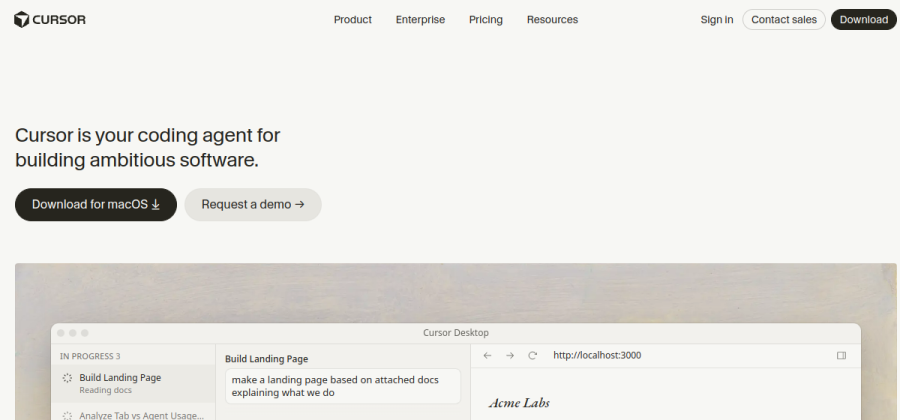
AI-native editor with a rules file for team conventions and an agent mode — strong when the team commits fully.
Open Cursor
Low-friction assistant inside VS Code and JetBrains with org-level policy controls for teams.
Open Copilot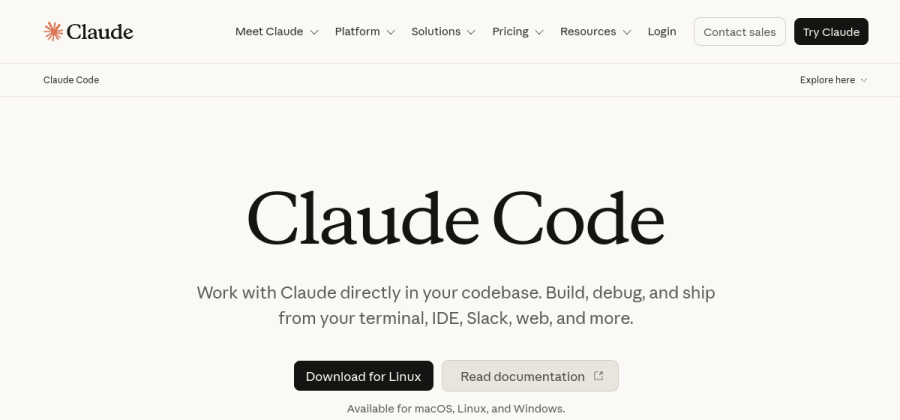
Terminal agent that plans and asks before acting — good for reviewed, multi-file changes.
Open Claude CodeAny of these can be adopted with this workflow. Confirm current data-handling and admin controls before a team rollout.
For a deeper side-by-side, see the best AI coding assistants for small teams.
What usually goes wrong
- Merging code nobody understands. The number one risk. Enforce the explain-it-back test.
- No zones. Without agreed green/yellow/red lines, someone eventually lets AI near auth or payments.
- Pasting private code into unknown tools. Check data retention before, not after.
- Chasing the newest model weekly. Pick on workflow fit; ignore the benchmark churn.
- No owner. Assign one person to own conventions, the prompt library and the quarterly review.
Next steps
- Score your options with the AI coding assistant evaluation checklist.
- Compare the tools in best AI coding assistants for small teams.
- Apply the same discipline to any tool with the pick software for a small team workflow.